Get started
~3 min
Creating an event
Start a new event — name it, set its web link and dates, choose who can see it, and edit these settings any time.
Start → ~1 minGetting around your event
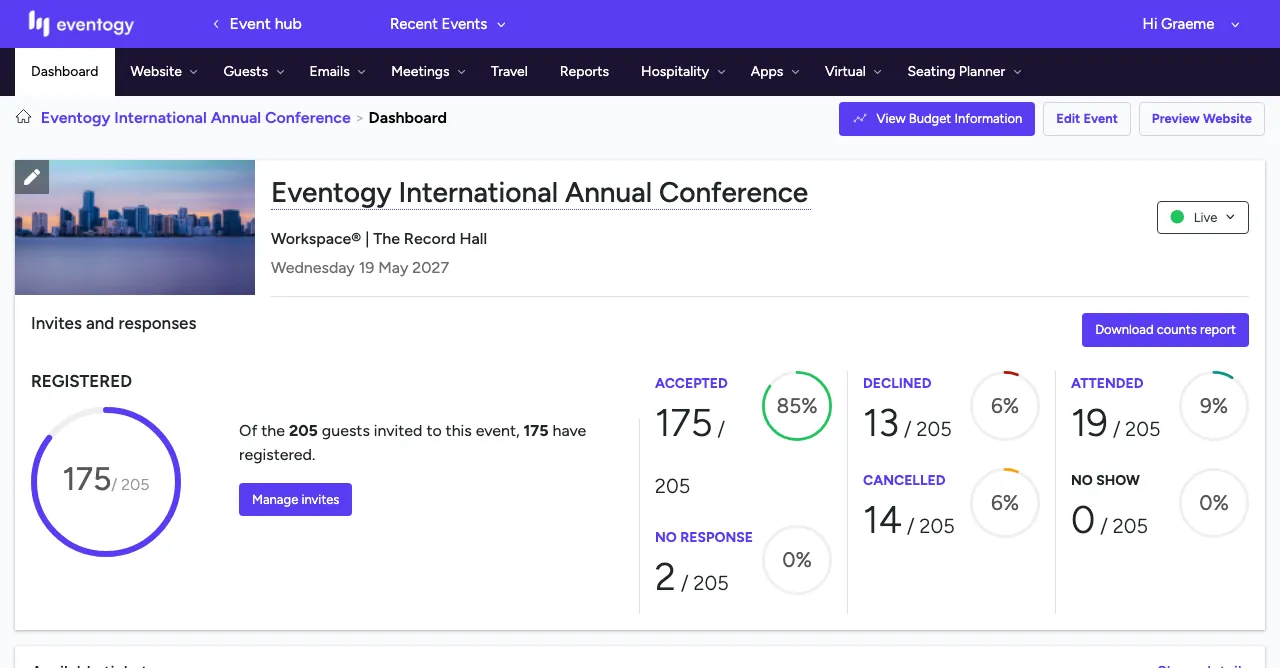
A quick tour of your event's home screen — the menu, key actions and the invites and responses summary.
Start →Guests
~2 min
Managing your guest list
Search, filter and read your guest list, and act on several guests at once with Quick Actions.
Start → ~1 minAdding a guest
Add a single person to your event from the guest list, and set their guest type and status.
Start →Website
~1 min
Managing your pages
Find every page on your event website, turn pages Live or Offline, and add new ones.
Start → ~2 minEditing a page
Open a page and shape its content with blocks — text, images, videos and more.
Start → ~2 minBuilding your agenda
Add and edit sessions day by day, set their tracks and format, and manage your tracks.
Start →Emails
Reports